How to Use ‘AI’ Magic to Transform Children’s Art
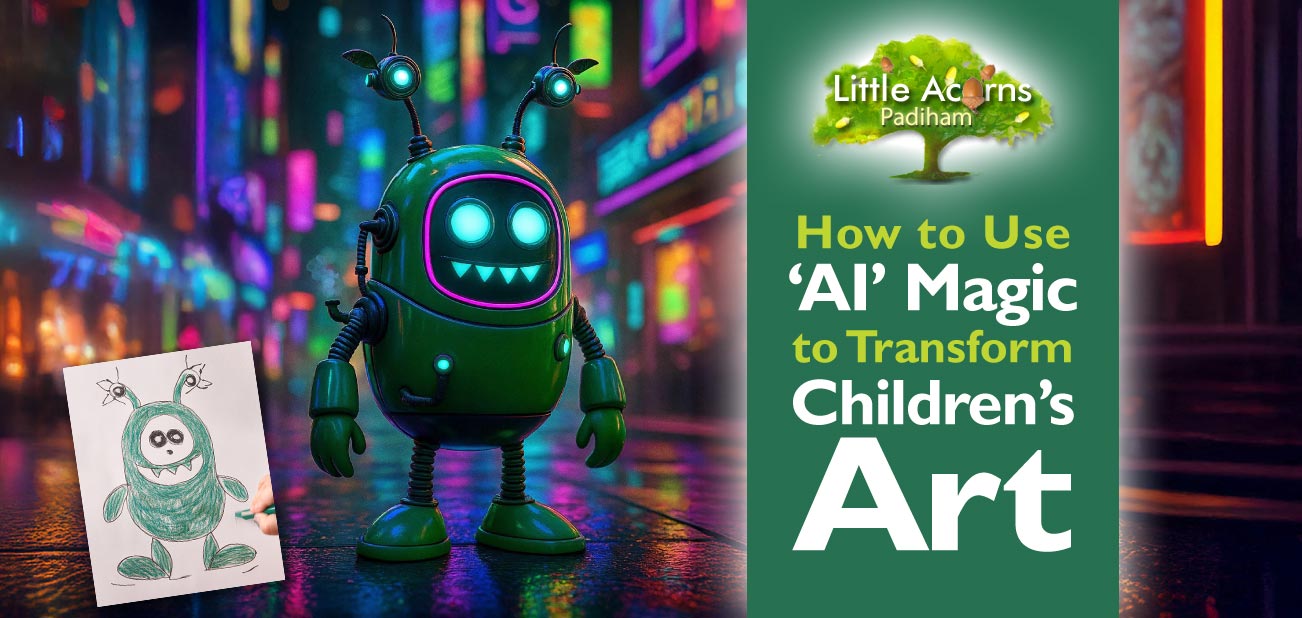
Today, we bring you a fabulous children’s activity. It is one that will encourage them to use their imaginations and get creative while also discovering how to easily transform their art to an astonishingly professional level. Using widely available Artificial Intelligence (AI) tools through help from a parent, their drawings and paintings can be magically enhanced to qualities so sophisticated that they’d look at home in a movie — the results are truly astounding! What’s more, the activity is fun, simple, quick, and achievable for free. It will also show children that their art and creative ideas matter and are valued. Read on to learn how to delight both children and parents by turning kids’ simple drawings into amazingly detailed digital art through the power of AI.
Examples of Children’s Art Transformed by AI
First, to give you a flavour of what’s possible in mere minutes, take a look at the amazing examples we’ve generated below. These show how children’s drawings have been taken to incredible new levels using free AI tools.
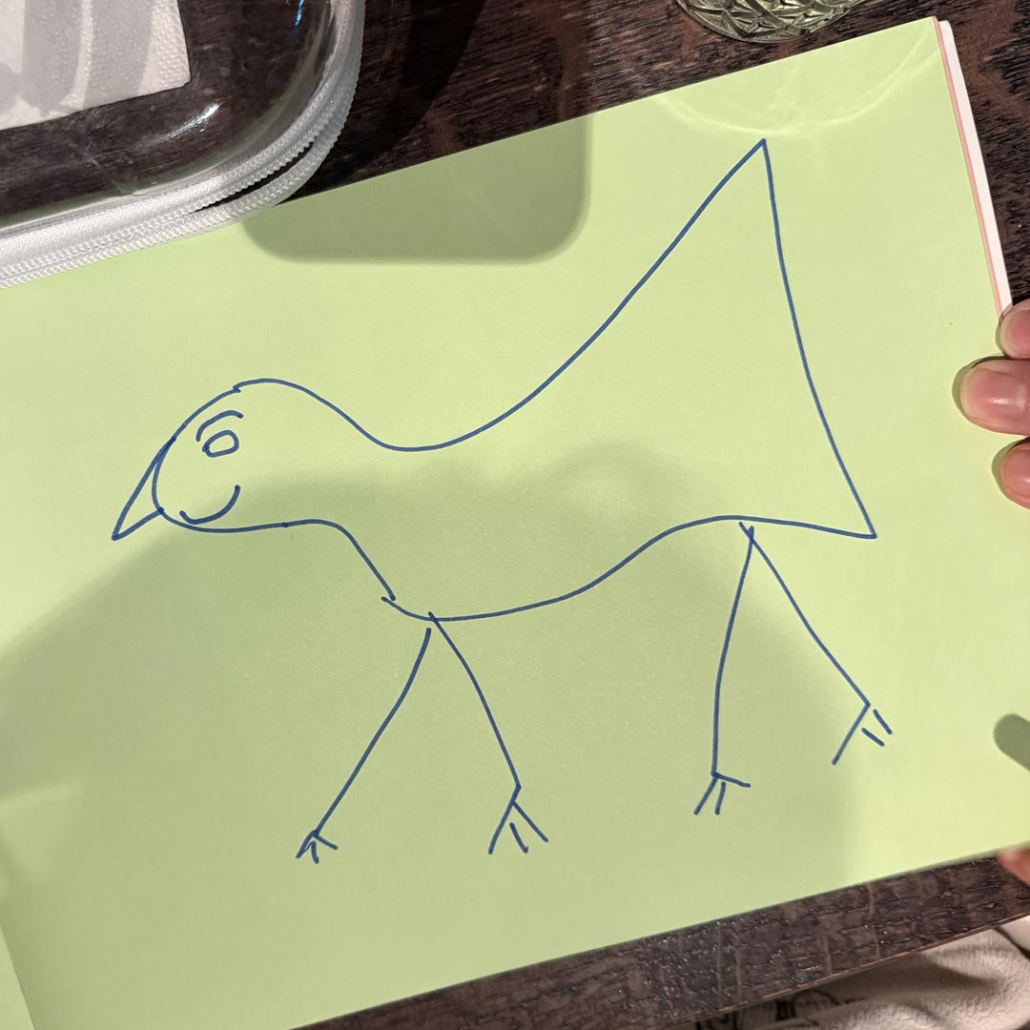
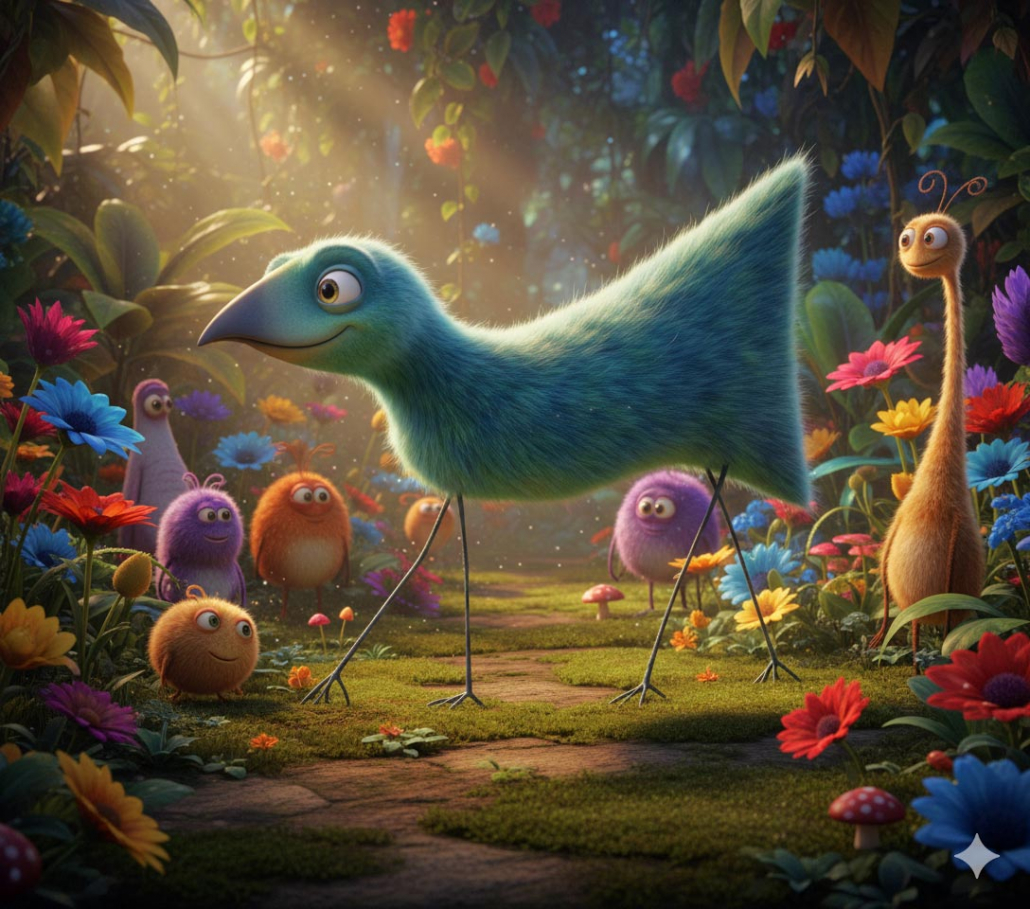
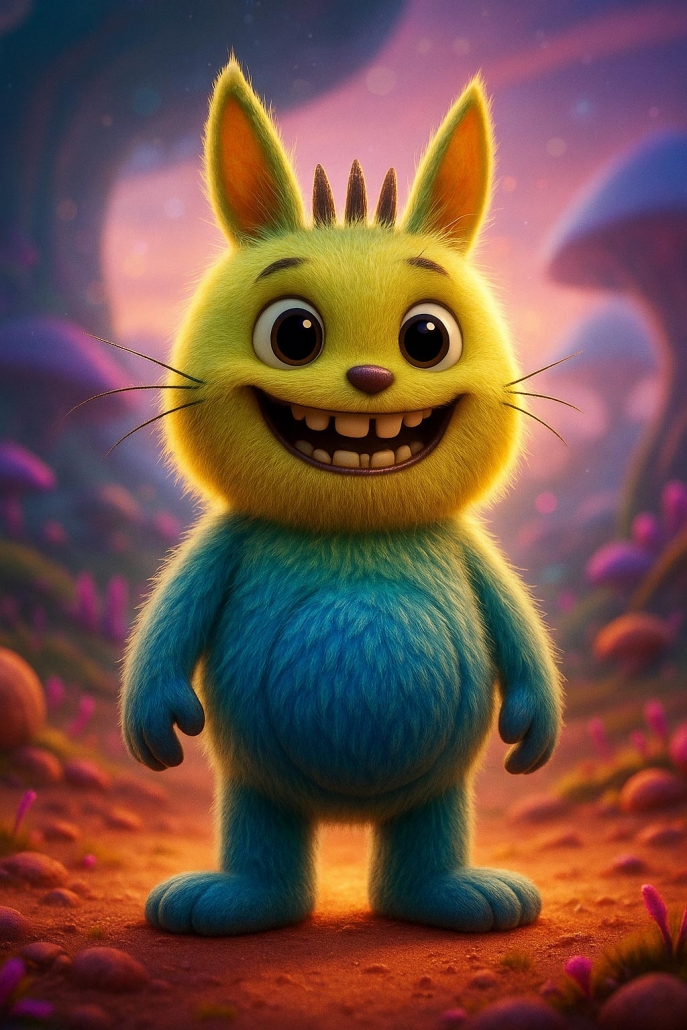
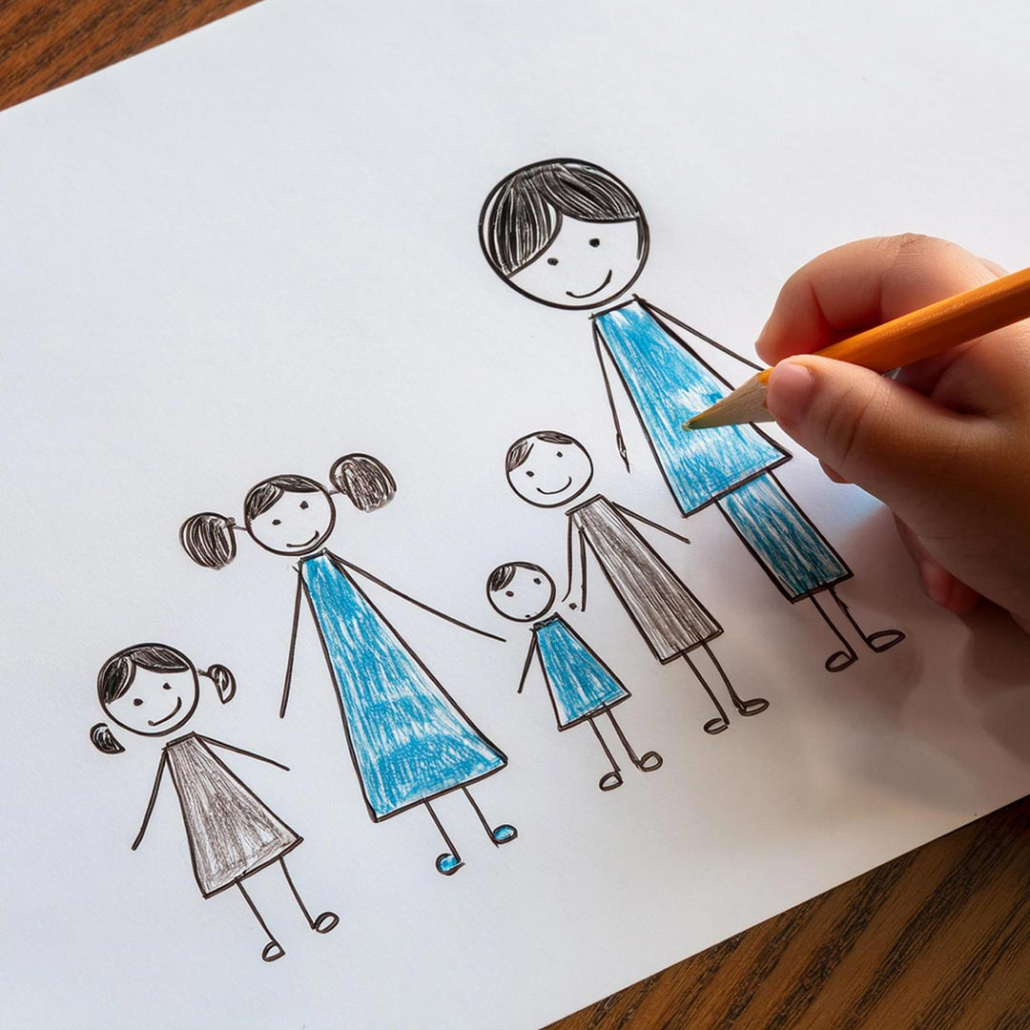
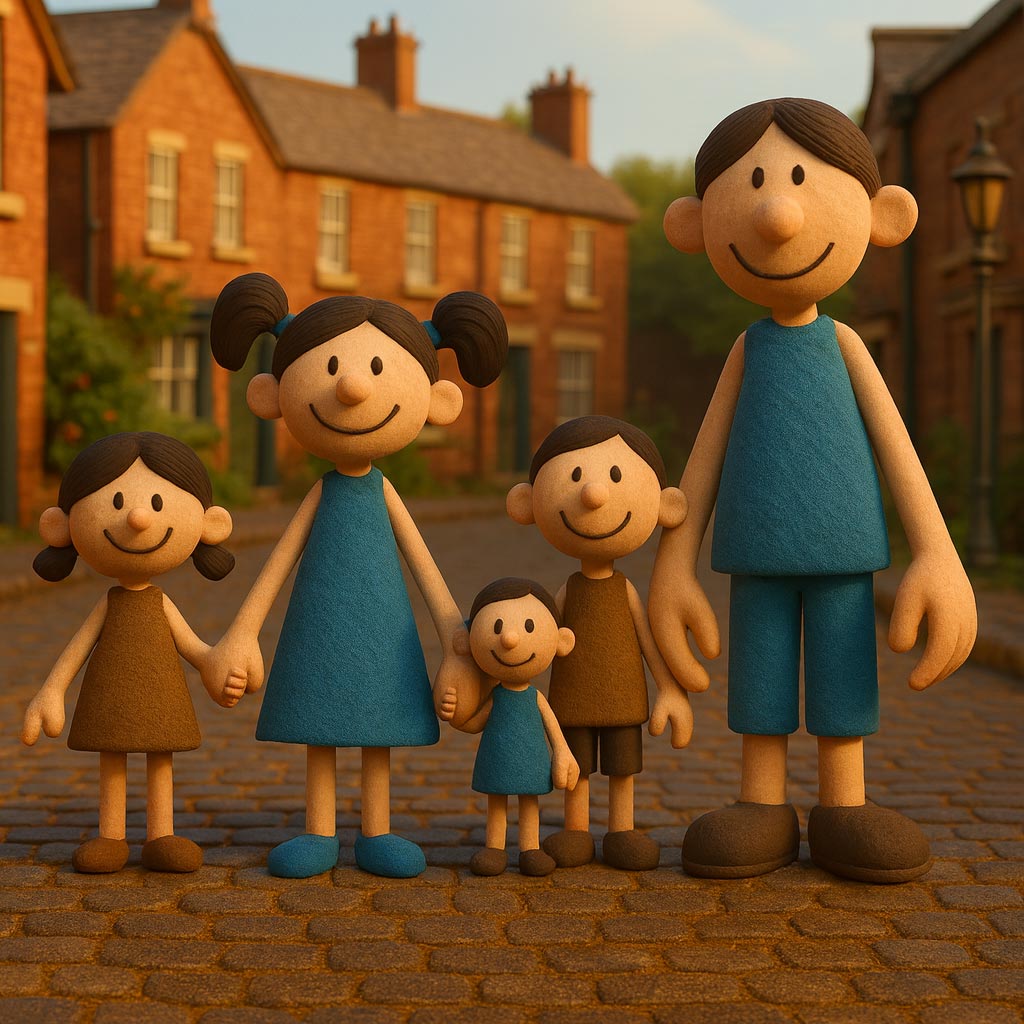
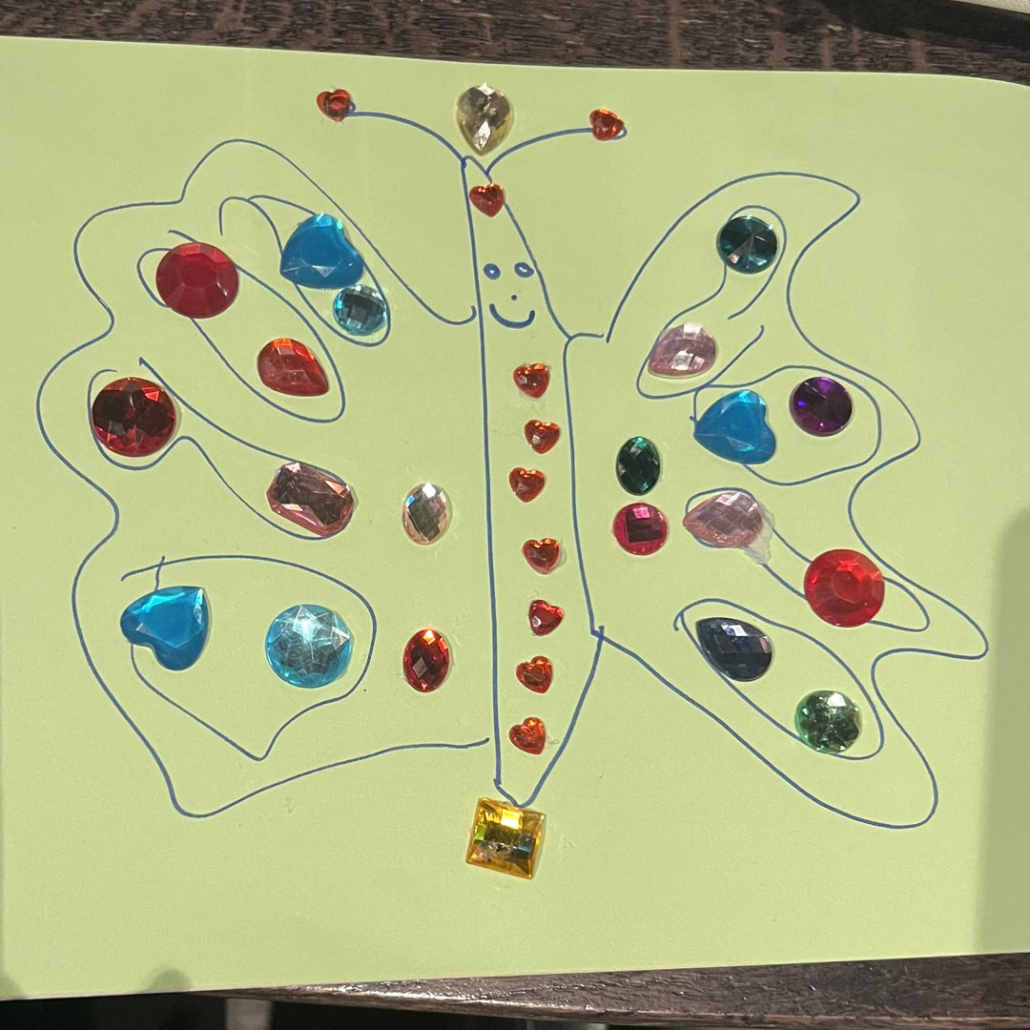
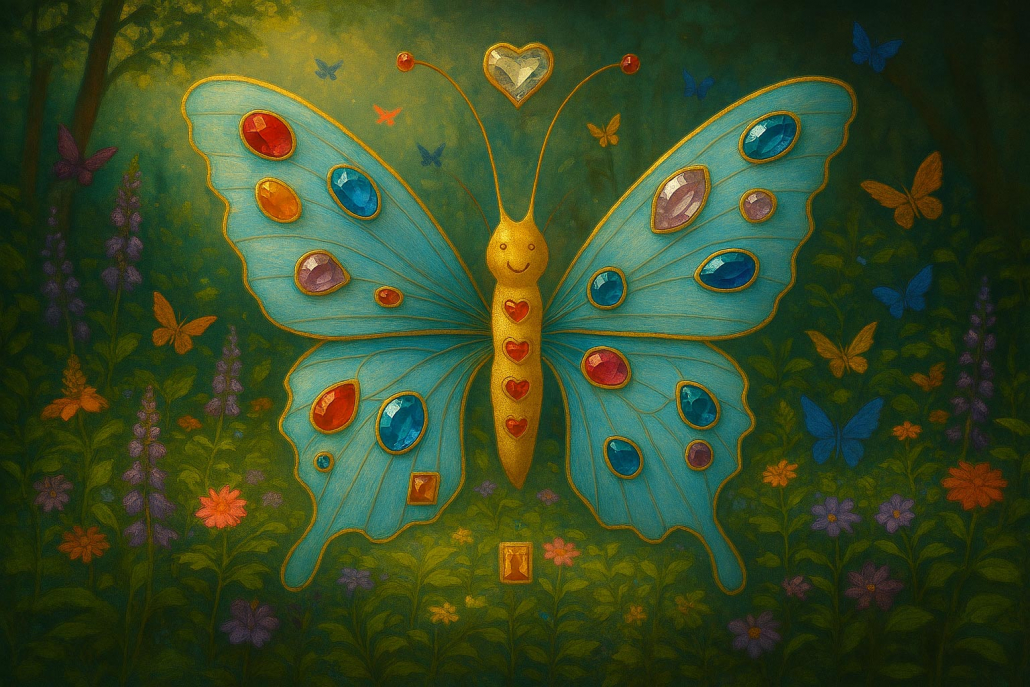
All of our examples were achieved free of any fees. Incredible, aren’t they? Now, imagine how delighted your own child would be if their drawings or paintings were transformed in a similar way. Let’s take a look at how that can be achieved.
How to Transform Children’s Art Using AI
The steps involved in a child’s art transformation boil down to 5 simple steps:
- The child creates a simple picture, as they would normally, through drawing, painting, a collage, or using whatever media they choose.
- The finished art is photographed digitally. This is easily accomplished using a digital camera, a smartphone camera, or a desktop scanner. The art is best photographed ‘flat’ (i.e. from above). It’s best to avoid casting shadows on the work while photographing.
- The image file is uploaded to an AI tool (more about those later). A parent will need to help young children for this and the next step.
- Tell the AI tool, in detail, how you/your child wants the drawing or painting to be transformed.
- Then wait a few moments for the results (get ready to be amazed!).
Steps 1 and 2 speak for themselves, but we’ll explain a bit more about steps 3 and 4 below.
Which Artificial Intelligence Tool Should Families Use?
For Step 3: There are several powerful AI tools that can be used for this activity, free of any fees (within certain limits*). At the time of writing, free options suitable for this activity include OpenAI’s ChatGPT, Google’s Gemini, Microsoft’s Copilot and, no doubt, several others. For Windows 11 users, we suggest starting with Copilot because it is bundled natively as part of that operating system. ChatGPT and Gemini are also excellent options and are available via browsers as well as smartphone apps. We currently suggest avoiding X’s Grok for reasons† that will be apparent to anyone following recent news.
Uploading a digital photograph of your child’s art is achieved simply by uploading it via the AI tool’s chat prompt field. For many tools, including our suggested examples above, you simply click the “+” symbol or “Attach” option in the chat window, then select the option to upload an image — for example ‘add photos/files’, ‘upload’, or similar. In the same chat window, immediately after uploading the art image, you’ll need to write a ‘prompt’ to tell the AI tool how you’d like it to transform the child’s art. We’ll cover that next.
* Limits for free versions may include the number of attempts per hour/day, whether you’re logged in to an account, and how busy the AI servers are at any particular time.
Writing Your AI Prompt
Step 4 is the part where the AI tool is told what to do with the child’s uploaded image. A parent or responsible adult should help proactively with this part. After discussing what the options are and agreeing a desired outcome with the child, the parent should type instructions into the AI tool’s chat prompt. You can ask for the child’s art to be transformed into any number of styles, including cartoon style, Pixar animation style, Wallace & Gromit clay animation style, Toy Story toy style, Steampunk style, etc. You can ask for a particular style of lighting, textures like fur or feathers, and materials like metal or plastic, specify what you’d like to see in the background, and so on. A couple of examples may help…
Example 1
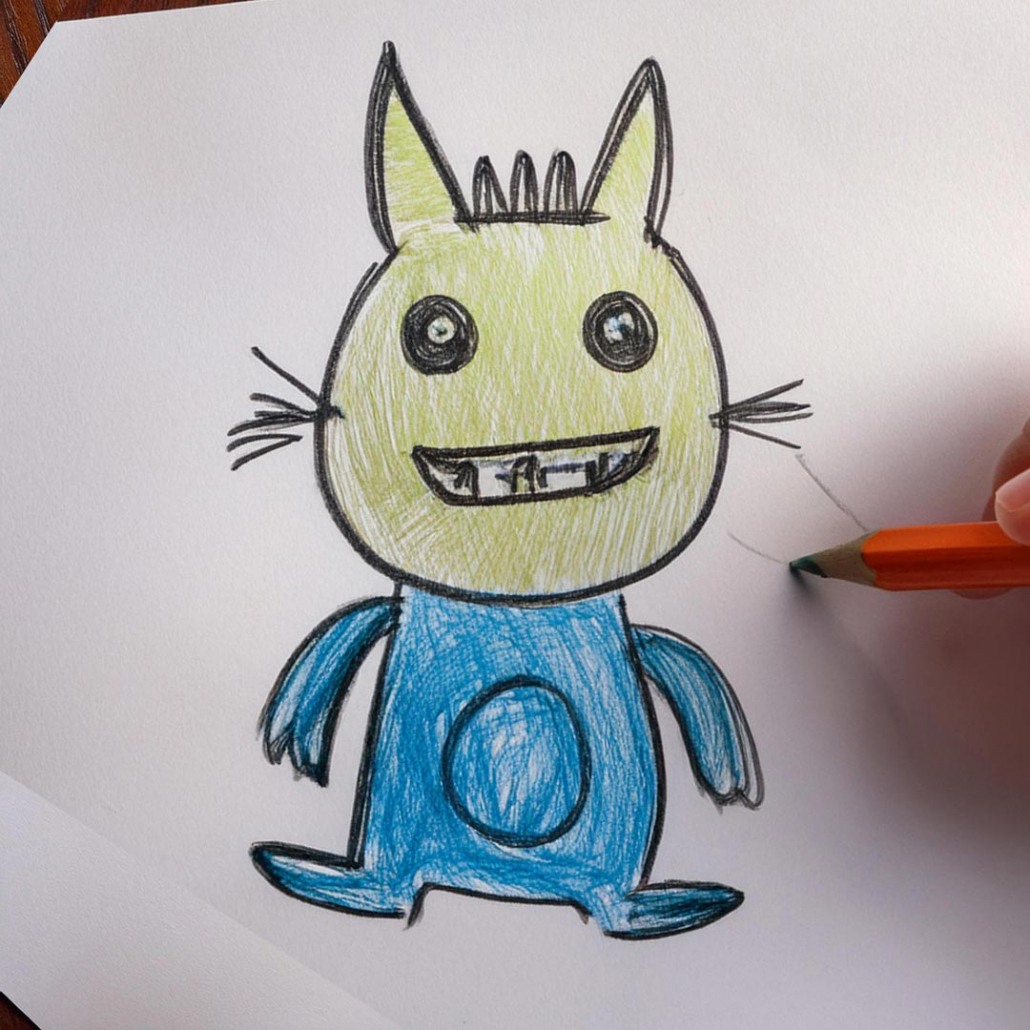
The accompanying metal ‘robot’ image was output by the AI tool (ChatGPT in this case) after loading the child’s drawing shown, and entering the following prompt:
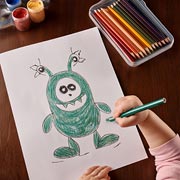
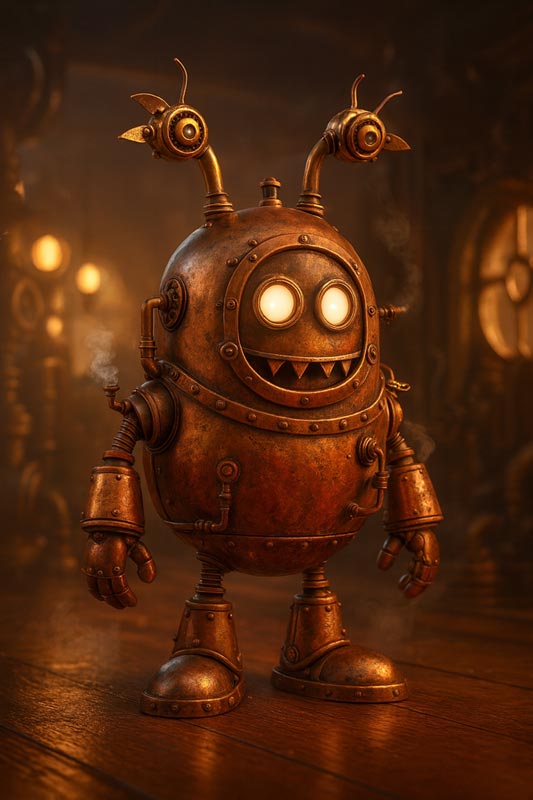 Please turn this drawing into a Pixar-quality 3D render in a Steampunk style. Keep the robot’s shape and personality true to the child’s original drawing, but bring it to life with detailed Steampunk textures — like aged brass, polished copper, gears, cogs, and small steam pipes. Give it warm lighting with soft reflections to create a cinematic, high-quality look. The robot should have expressive eyes or lights, a slightly worn but friendly appearance, and visible mechanical details that make it look handcrafted. Place it in a retro-futuristic setting filled with soft light and a bit of steam, so it feels like a moment from a Pixar film.
The incredible finished result is shown (click to enlarge it so you can see the amazing detail).
Example 2
Our second example shows how a child’s drawing of a girl was transformed by AI (Copilot for this example) into a handcrafted marionette doll, with textures and lighting, etc. specified using the following prompt:
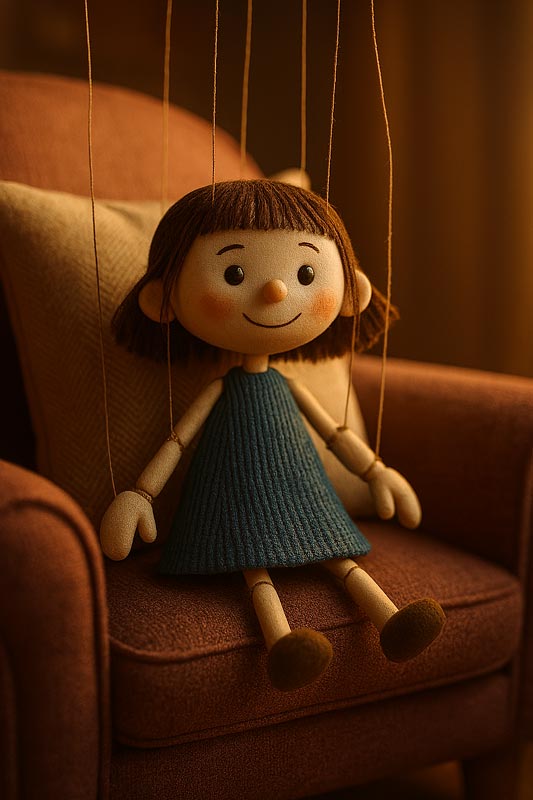
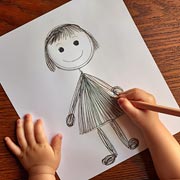 I’ve uploaded an image of a child’s drawing of a girl. Using only that person (i.e. ignoring the child’s hands, finger(s), pencil/crayon, tabletop, border, etc.), please render it in the style of a child’s doll-like puppet, with fabric clothing, a china/porcelain-like head with fake hair, strings coming from above (for the puppet element) attached to limbs, head, legs etc. It should be situated on a child’s comfy bedroom chair, leaning against a cushion. Soft, warm, lighting as if the sunset sun is lighting it through a window that’s not in view.
The child’s original drawing can be compared to the impressive AI render (click it to enlarge it, to view in greater detail).
Isn’t it clever?
Why This Matters & How It Helps Children
Children will be amazed and delighted by the way their drawings and art pieces are brought to life — all in just a few minutes. It’s a great way to show them, in a safe and responsible way, how it’s possible to take simple concepts to whole new levels of sophistication using freely-available AI tools. Using AI in this way also allows them to create details and ideas that they’re not yet able to accomplish using only their manual skills. AI transformations will also demonstrate that their pieces of art matter and have value.
This activity will boost creativity, not replace it.
This activity will boost creativity, not replace it. It will allow children to accomplish art that they could previously only imagine. It’ll show them, in just moments, how it’s possible to take their ideas to new, sophisticated levels. Helping to decide on descriptive prompts will also help them nurture communication skills. So, this is far from being anything like a shortcut or ‘cheating’.
AI transformations will also demonstrate that children’s pieces of art matter and have value.
A responsibly approached introduction to AI will also give them a safe insight into the world of tech and how it can help mankind. Love it or loathe it, AI is something youngsters will grow up around. Therefore, children need to know about it, understand how it can be used, and perhaps consider how they may one day work alongside it once they become adults. Most importantly, though, today’s activity will show children something that’s rather like gold dust — the power of their own potential!
Little Acorns Nursery
Your High-Quality Childcare Nursery in Padiham, Near Burnley
 Are you searching for a high-quality childcare nursery in Padiham or near Burnley? Little Acorns Nursery would love to meet you and your little one if so. Contact us today to explore the possibility of your child attending this fabulous childcare setting, which is rated as ‘Good’ by Ofsted, and supports free childcare hours for eligible families.
Please click an option below to get started:
Little Acorns Nursery may suit families looking for a good childcare nursery in Padiham or near to Burnley, Hapton, Rose Grove, Altham, Huncoat, Read, Simonstone, Sabden, Higham, or Wood End.
† Safety notice: Parents should do their own research, be responsible with their use of prompts, and supervise children closely when using AI tools for this and any other such activity.